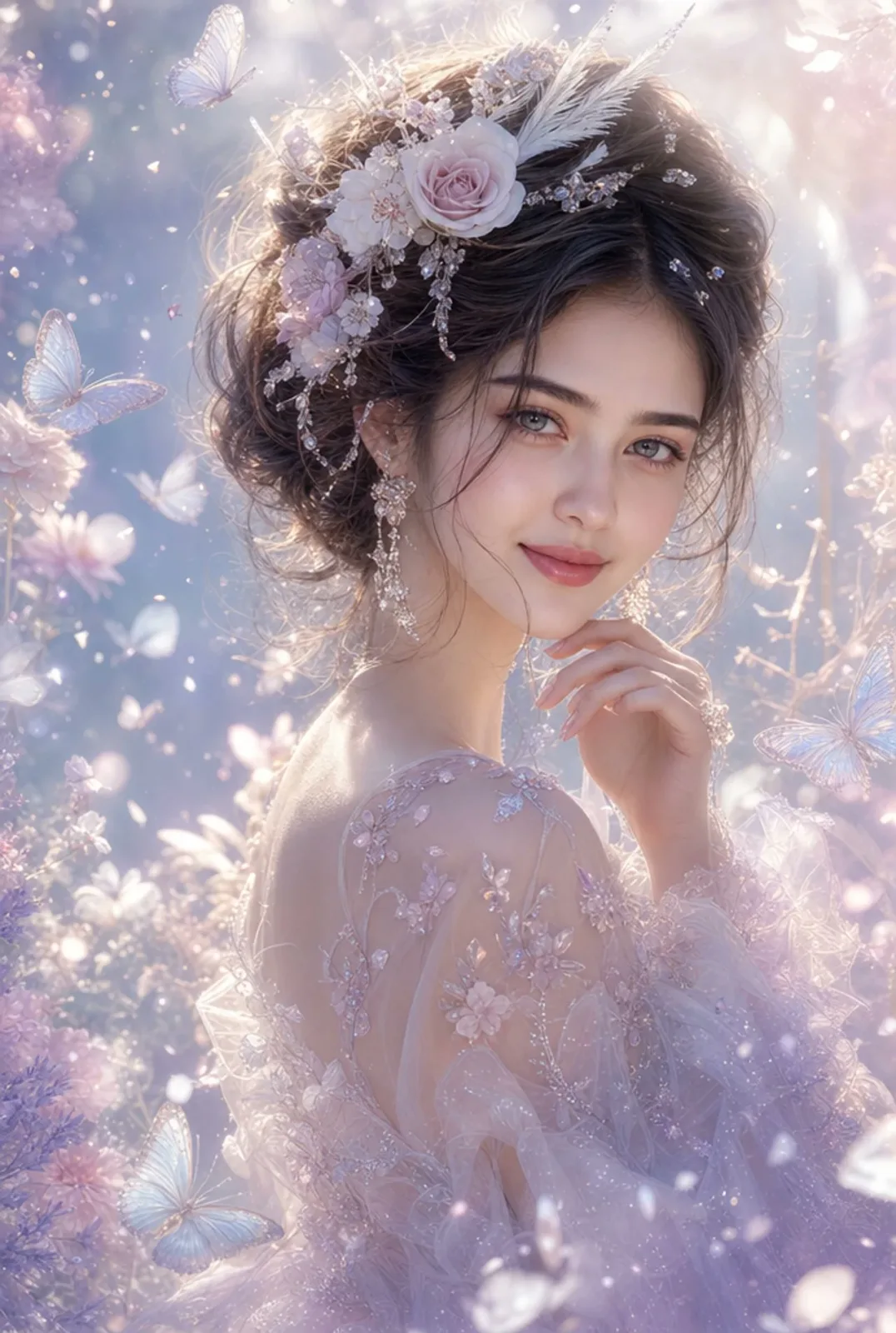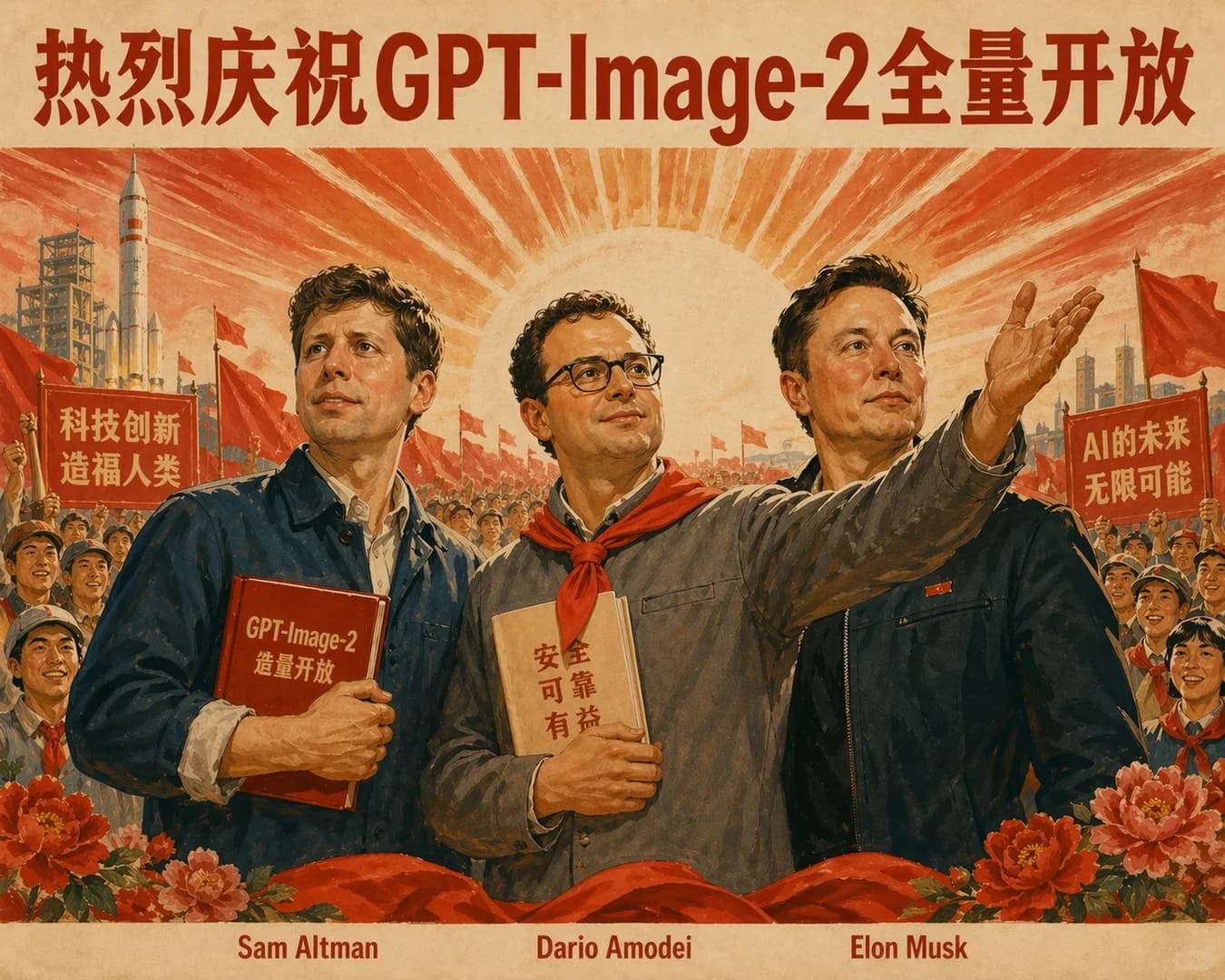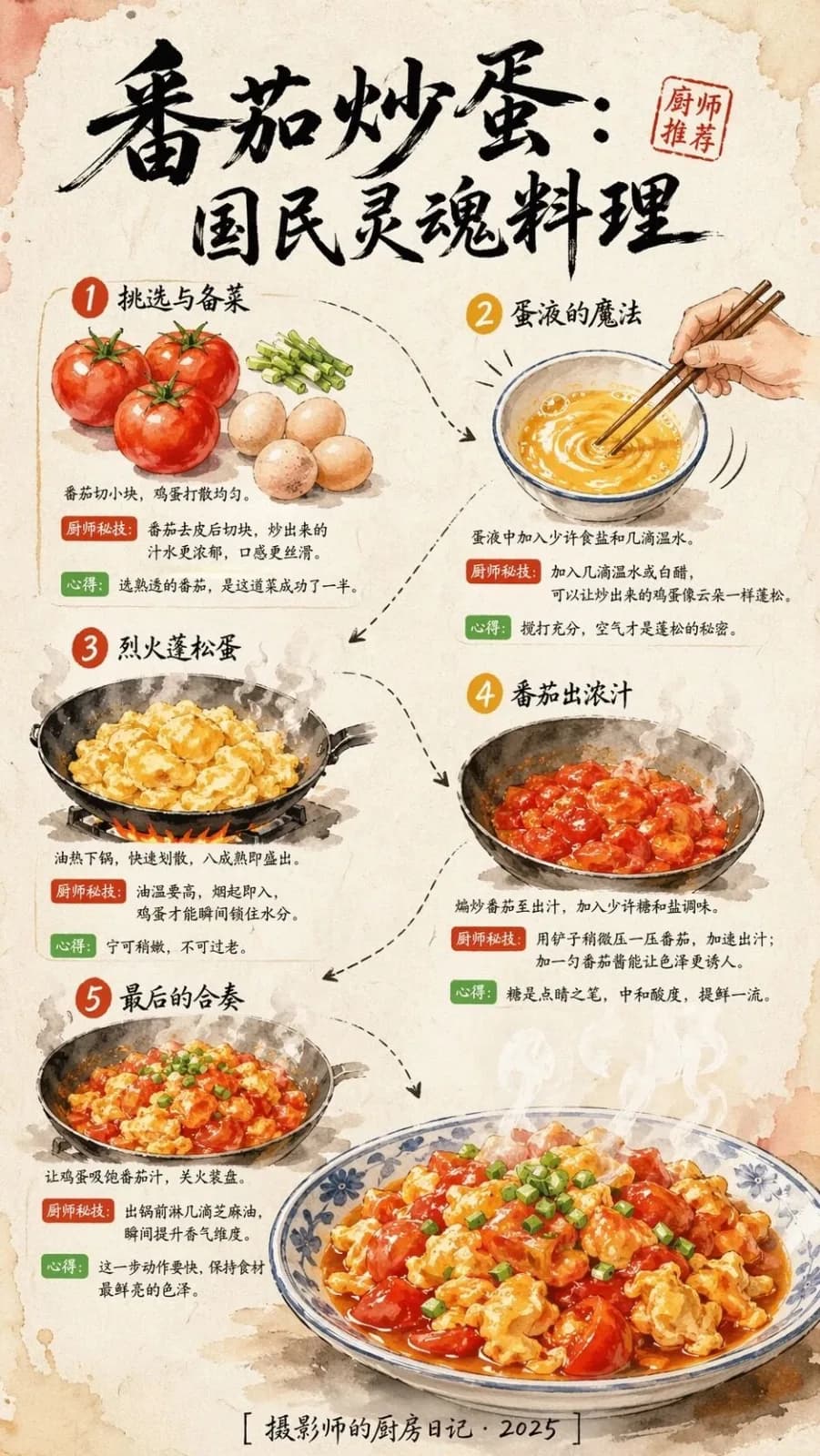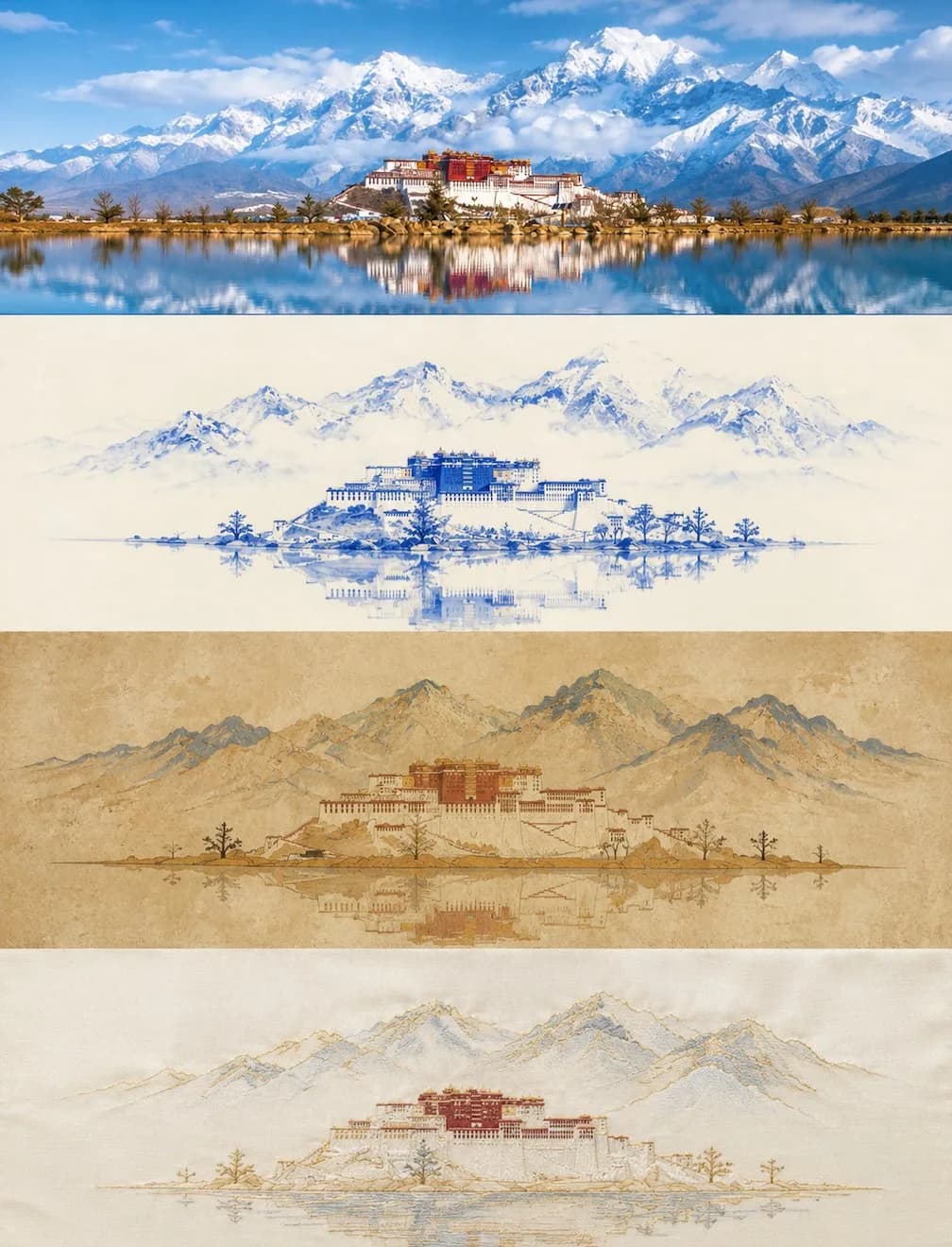
Dunhuang Embroidery Style Poster AI photo style example on PhotoReady
PhotoReady | photoready.kaamkardo.com
Custom Creator Style

Dunhuang Embroidery Style Poster

Created by
@gpt-image-2-library

Rights holder? Request removal via our contact page.

#Posters & Typography#Poster#Realistic#Illustration#Commerce#Story
Freeper generation
Secure transactions and inputs
Outputs completed in under 15 seconds
Powered by Photo Ready Engine
Use this prompt in

Every click copies the prompt. ChatGPT and Grok open with it already typed; the rest need one paste.

Prompt Template
Free Access
Please create a vertical collage poster from the uploaded photo, using a strict 3:4 vertical composition. The image should be divided into four equal horizontal sections from top to bottom, with each section's height precisely controlled to 25% of the overall image height (the ratio must strictly be 1:1:1:1, with no deviations allowed). The sections should seamlessly connect without dividers or gaps, in the order of: original image → Style 1 → Style 2 → Style 3. As each layer has an approximately 3:1 ultra-wide aspect ratio, the main subjects in each layer should be horizontally centered, emphasizing open space and breathing room on the sides, avoiding vertical stretching or crowding of elements. The four layers should maintain coherence in character positioning, scene structure, and gaze direction, presenting a unified image with four translated styles. The style layers (second to fourth) must adhere to a minimalist principle: reduce the number of visual elements in each layer to a minimum, retaining only one core symbolic subject, while omitting secondary decorations, background details, and supporting elements, with negative space accounting for no less than 60%. The first layer retains the original photo's subject structure, authentic interactions, poses, realistic textures, natural lighting, and original color atmosphere, with only slight high-end photographic color grading to achieve a magazine-quality feel, without altering character relationships or compositional logic. The sky, ground, or environmental background can be naturally extended without changing character relationships or compositional logic, enhancing the overall spatial and narrative sense. The second layer features a blue-and-white porcelain painting style: inspired by blue-and-white porcelain techniques, using cobalt blue lines and washes on a creamy white background to depict characters and scenes, presenting a refined elegance reminiscent of porcelain patterns. The color scheme should primarily consist of cobalt blue and creamy white monochrome. Avoid excessive variations in blue shades that may appear cluttered, and refrain from piling on patterned decorations. The third layer adopts the Dunhuang mural style: drawing from the mineral-rich texture of Dunhuang murals, conveying an ancient, mottled beauty, with simplified lines and color blocks. The background should be in earthy yellow or ochre tones, featuring a textured mural feel. The color palette should focus on ochre, stone blue, vermilion, and earthy yellow. Avoid excessive cracks in the texture and complex patterned decorations. The fourth layer showcases an embroidery satin style: using embroidery stitch textures to outline characters and scenes, presenting satin sheen and thread texture, with patterns needing to be extremely simplified. The background should be a creamy white or light gray satin base. The color scheme should consist of 2 to 3 soft colors accented with gold thread. Avoid overly dense stitching that appears cumbersome, and refrain from excessive gold thread that may seem extravagant. Each layer must unify the subjects and scenes into their corresponding styles, expressing extreme restraint and simplification, retaining only the most core symbolic subject and its basic outline relationship, while eliminating all unnecessary background elements, decorative details, and supporting items. The key positional relationships, interaction directions, and posture characteristics between characters must be preserved but abstracted into recognizable outline relationships, achieving "fewer elements, clearer relationships." Colors should be extracted and summarized from the original image, with each layer strictly controlled to 2-4 main colors. The height ratios of the four sections must strictly maintain 1:1:1:1 (each occupying 25%), with no misalignment or proportional deviations. Overall, avoid punk/cyberpunk styles, forced overlays of strong realistic photo qualities, cartoon styles, 3D rendering effects, commercial poster aesthetics, complex background layering, excessive elements or crowded images, similar styles between adjacent layers, and any text, logos, watermarks, or titles.

Prompt explanation

The prompt anchors the model around posters & typography, then narrows the output with outfit, background, lighting, pose, expression, and camera instructions. The most important variables to preserve are face identity, realistic skin texture, clear eyes, natural proportions, and the professional portrait lens with realistic depth of field look.

Editable variables

OutfitBackgroundLightingPoseExpressionCamera

Expected output

A realistic posters & typography image with soft, realistic portrait lighting, a simple background that keeps attention on the face, a confident, approachable expression, and clear facial identity.

Common mistakes

  • Using a blurry or heavily cropped source photo.
  • Mixing formal and casual style instructions in the same prompt.
  • Adding too many props or background details.

Tips

  • Keep the clean, polished clothing that matches the intended use direction consistent with the final use case.
  • Preserve the soft, realistic portrait lighting and professional portrait lens with realistic depth of field terms when editing.
  • Use one clear face reference for the most reliable identity match.

Visual evidence for this style

Generated example for Dunhuang Embroidery Style Poster

Generated example

Create a vertical collage poster with four distinct styles, emphasizing simplicity and coherence while maintaining a 3:4 aspect ratio and 25% height sections.

Background detail for Dunhuang Embroidery Style Poster

Background detail

a simple background that keeps attention on the face

LinkedIn preview crop for Dunhuang Embroidery Style Poster

LinkedIn preview crop

a natural pose with clear face visibility with a confident, approachable expression.

About this style

Dunhuang Embroidery Style Poster is a posters & typography style built for posters & typography images, profile photos, and creator visuals. It combines clean, polished clothing that matches the intended use, a simple background that keeps attention on the face, soft, realistic portrait lighting, a natural pose with clear face visibility, and a confident, approachable expression so the generated image feels intentional rather than random. The goal is not only to copy a prompt, but to understand the visual system behind the output.

This style is especially useful for professionals because it keeps the result focused on credibility, facial clarity, and repeatable framing. The professional portrait lens with realistic depth of field direction helps the image look closer to a real portrait session, while the background and lighting choices reduce distractions that can weaken a profile photo, resume image, creator bio, or portfolio thumbnail.

For best results, start with a sharp source image where the face is unobstructed and the head is not heavily cropped. Keep the outfit and background aligned with the final use case: more formal for LinkedIn, resumes, company pages, and founder bios; softer and more expressive for creator profiles, social media, and personal branding.

Structured style metadata

Category
Posters & Typography
Use case
posters & typography images, profile photos, and creator visuals

Best use cases for Dunhuang Embroidery Style Poster

Create a vertical collage poster with four distinct styles, emphasizing simplicity and coherence while maintaining a 3:4 aspect ratio and 25% height sections.

Who should use it

This style fits professionals who need a polished image for posters & typography images, profile photos, and creator visuals. It is useful when the photo needs to look credible, current, and easy to reuse across professional profiles.

Why this works

The combination of soft, realistic portrait lighting, a simple background that keeps attention on the face, and a confident, approachable expression makes the final image readable at small profile-photo sizes while still feeling realistic at full size.

Outfit guide

Use clean, polished clothing that matches the intended use. Avoid clothing that fights the style direction, especially busy patterns, oversized logos, or colors that clash with the background.

Background guide

The best background is a simple background that keeps attention on the face. It should support the subject without making the final image look staged, crowded, or overly decorative.

Camera and expression guide

Keep professional portrait lens with realistic depth of field, a natural pose with clear face visibility, and a confident, approachable expression. These details help the output read like a real portrait rather than a generic AI image.

Common questions about the Dunhuang Embroidery Style Poster style

Is the Dunhuang Embroidery Style Poster style free?

Yes. You can copy this style prompt directly from this page and use it in your own image tool.

What source photo works best with this style?

Use a clear portrait with good lighting, an unobstructed face, and minimal blur for the most realistic result.

Can I adapt the prompt?

Yes. Keep the core camera, lighting, and mood terms, then swap details such as outfit, background, or occasion. For this style the terms worth preserving are professional portrait lens with realistic depth of field and soft, realistic portrait lighting.

Which professions suit the Dunhuang Embroidery Style Poster style?

It works best for professionals, and can be adapted for adjacent roles by changing outfit, background, and expression details.

What should I avoid?

Avoid low-resolution uploads, covered faces, extreme filters, crowded backgrounds, and instructions that conflict with the style metadata.

Can this style be used for a LinkedIn profile photo?

Yes, especially when the outfit, background, expression, and crop match the professional audience you want to reach. LinkedIn crops profile photos to a circle, so keep the face centred.

Related guides

More styles like this
Photo Ready Logo
Photo Ready